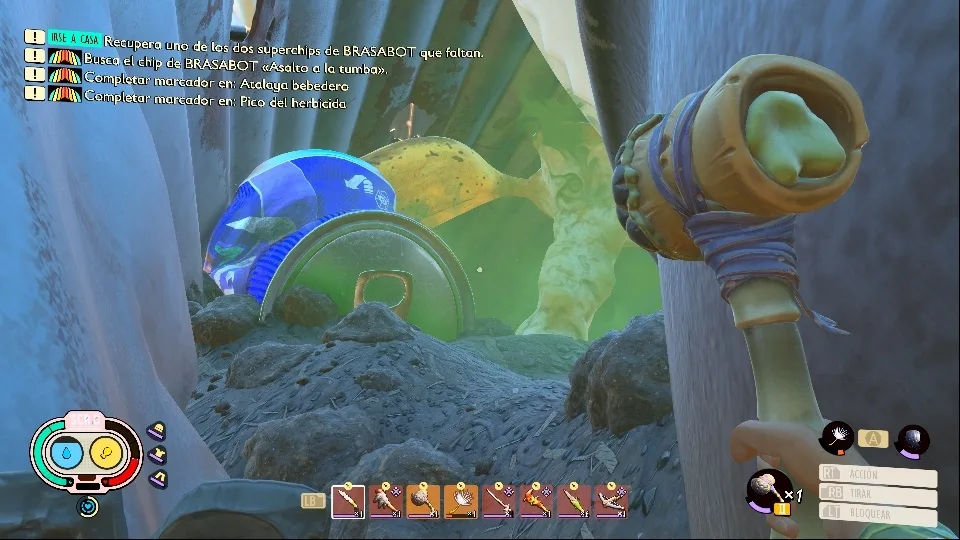
Mod Menu
Grounded Mod Menu: One Overlay for Everything
A mod menu beats memorizing twelve trainer hotkeys. Everything sits in one overlay: ESP, combat help, spawns, and movement cheats. Here is how to use it without turning Grounded into a slideshow.
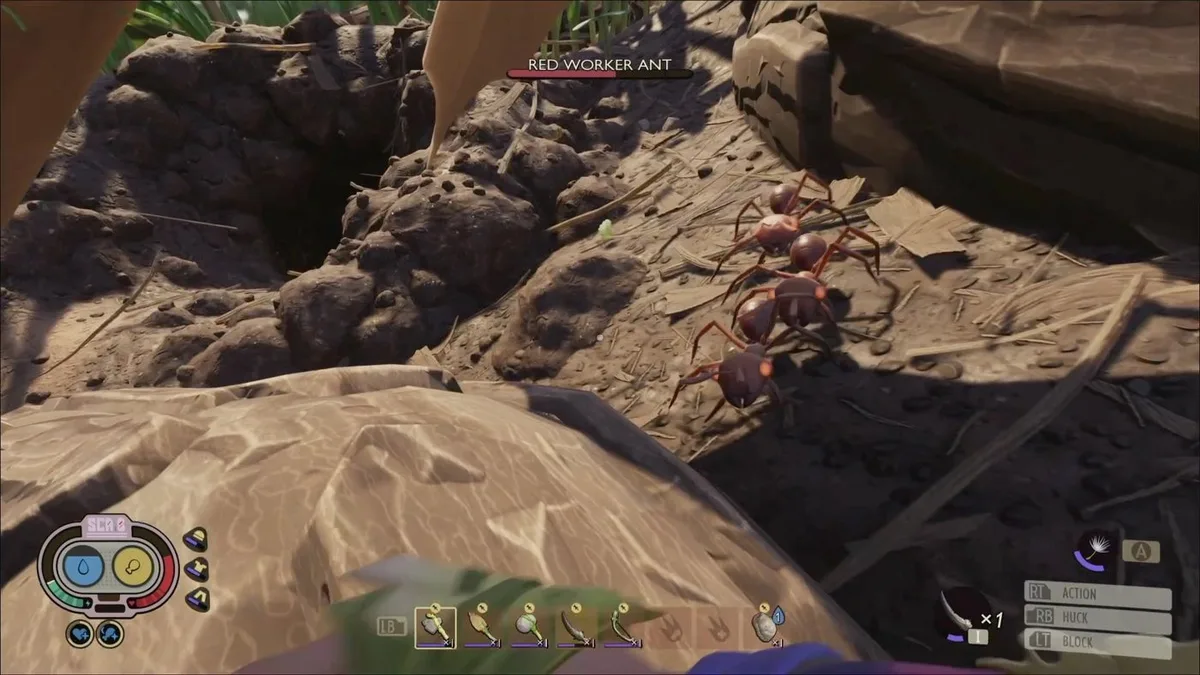
Typical menu layout
Tabs usually split into Player, World, Items, and Visuals. Player holds health and stamina. World covers fly and noclip. Items handles spawns. Visuals is ESP and creature outlines.
The mod menu product page matches what groundedcheat.net ships. Compare with Features before you assume radar or aim assist is included.
Settings that stay smooth online
Enable ESP categories one at a time. All creatures plus all items plus loot bags will tank FPS in the trash heap. Filter to spiders and beetles when you hunt, then switch filters for berry runs.
Keep combat assist low in co-op. Pair menu tweaks with combat trainer docs and ESP guide for clean screens.
Buy and maintain
Plans on Pricing, install on Setup, patch notes on Updates. Site home: groundedcheat.net.
Also read blog posts on complete cheats guide and EAC reality.